1
Connect your Kindle
Plug in your Kindle to automatically sync and import your highlights, or manually drop in your My Clippings.txt file if you prefer.
Leaf turns your Kindle highlights into rotating desktop wallpapers, bringing the best lines from your books back into view while quietly maintaining a local quote library behind the scenes.
Available for macOS. Built native in Swift.
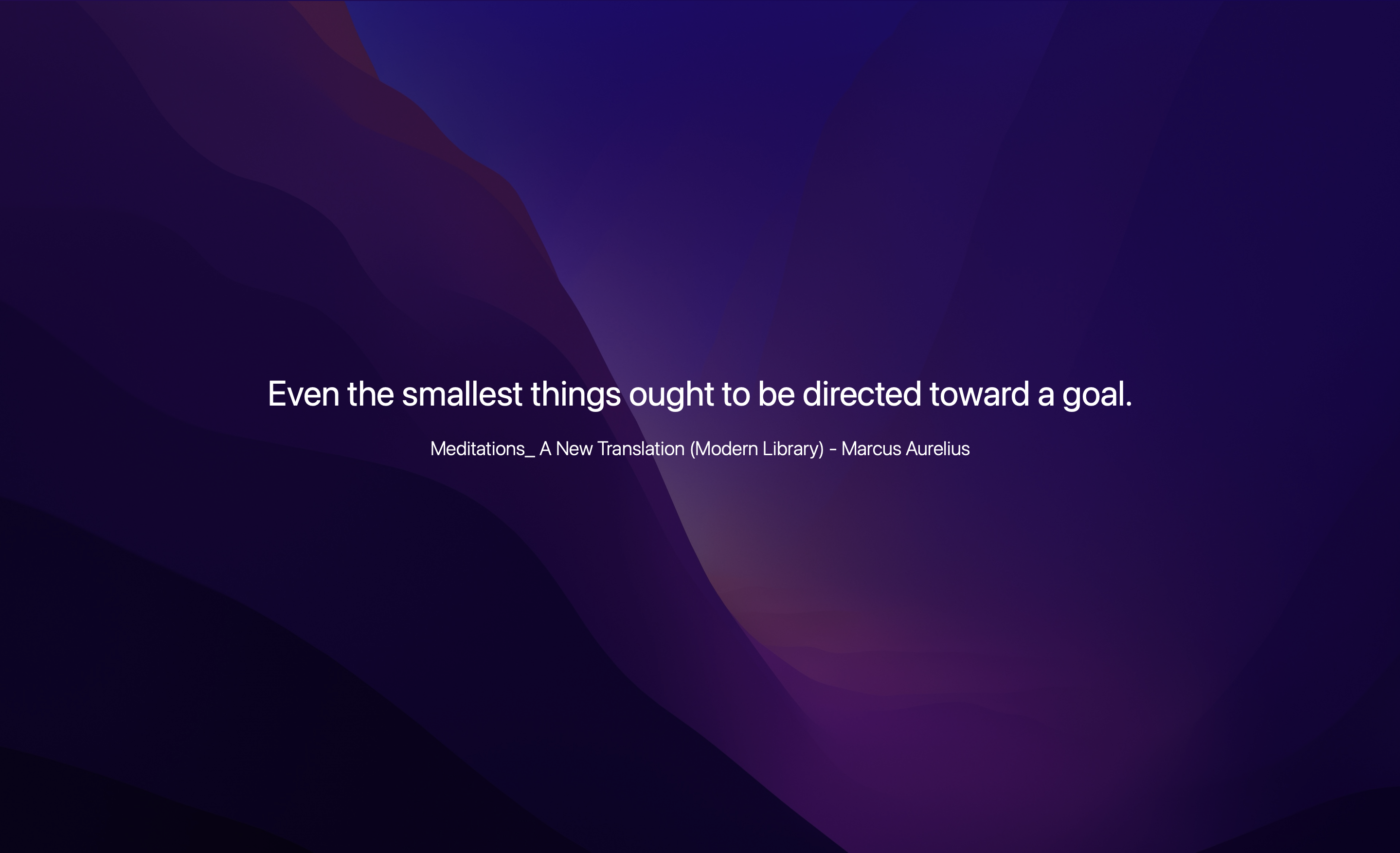
Leaf is built around the parts of reading that are easy to lose: the quotes, the books, and the small reminders worth seeing again.
Plug in your Kindle to automatically sync and import your highlights, or manually drop in your My Clippings.txt file if you prefer.
Enable or disable books, search across quotes, and keep the wallpaper focused on the reading you actually want to revisit.
Choose background images and let Leaf render quiet quote wallpapers that change over time on your Mac desktop.
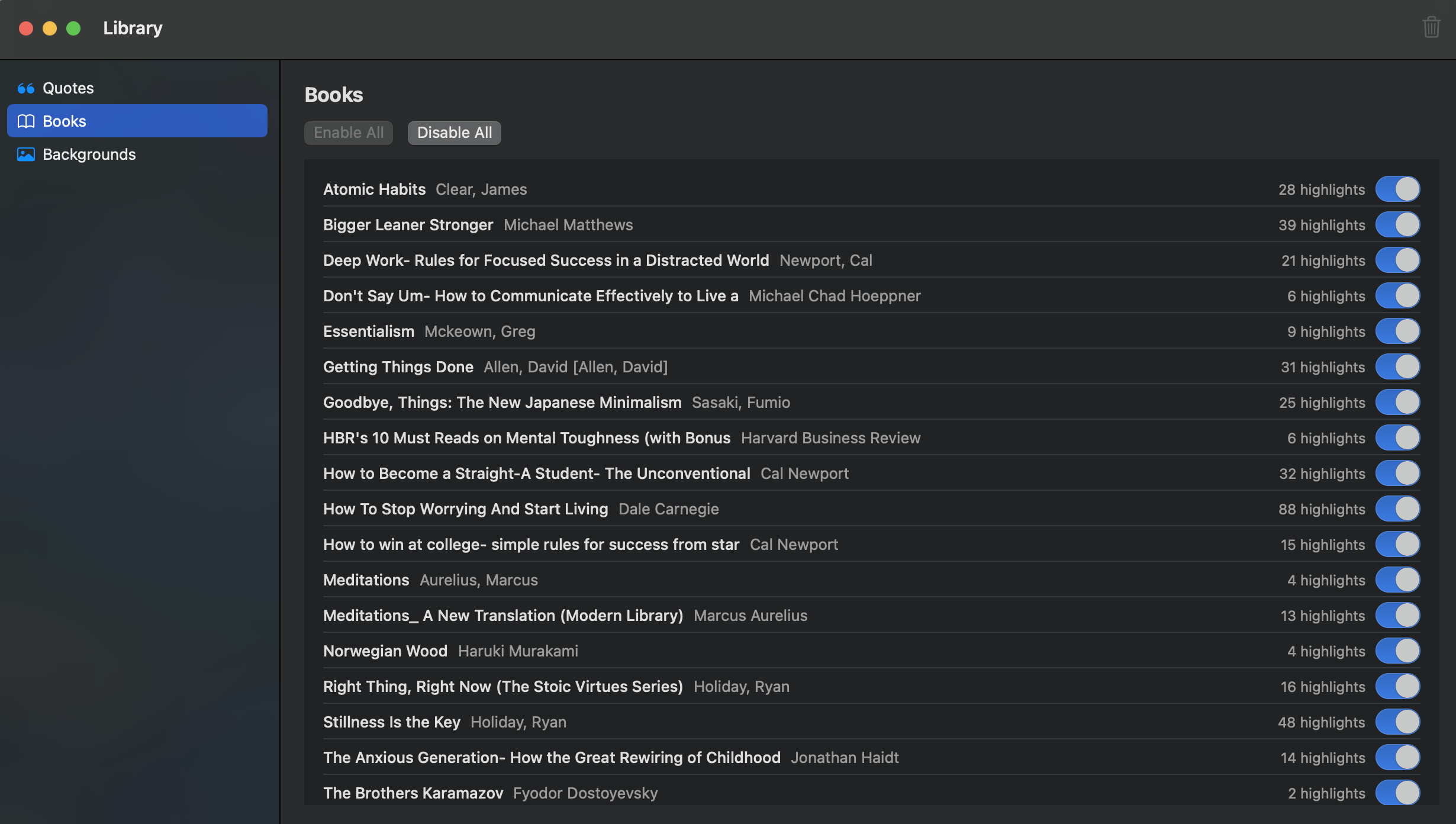
Browse imported books, see highlight counts, and decide which titles are allowed into rotation. Leaf is designed to manage your quotes, not just generate one-off wallpapers.
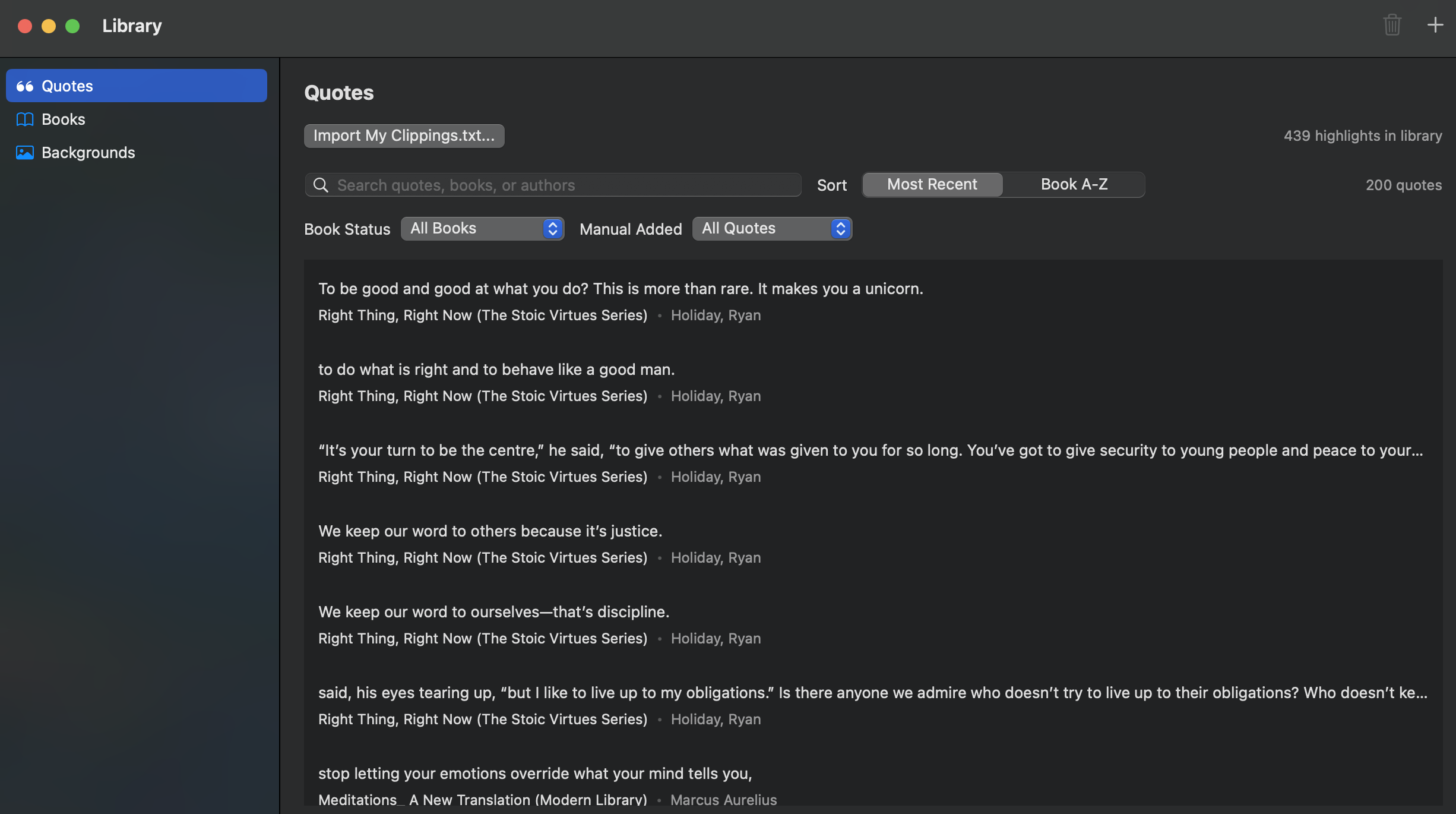
Find quotes by text, book, or author. Sort recent highlights, filter the library, and keep manual additions separate from Kindle imports.
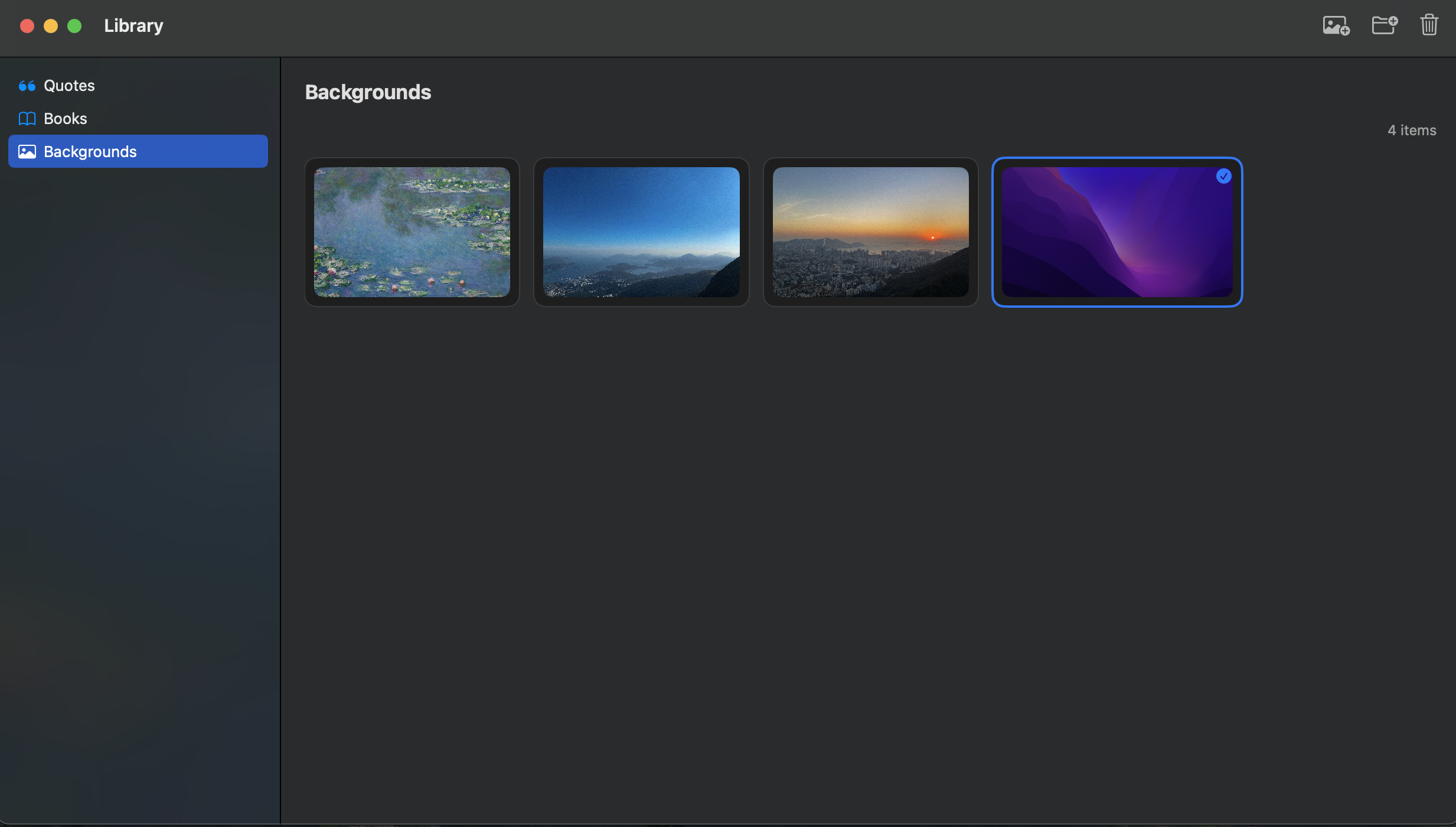
Leaf lets you manage the images behind your quotes, from calm paintings to photos to your own abstract wallpapers.
Public beta
The beta is for readers who use Kindle highlights seriously and want a native Mac app that makes those notes visible again.
Leaf is designed as a local-first Mac app. Your imported Kindle highlights, books, authors, background choices, and generated wallpapers are stored on your Mac.
The beta does not sell personal data or use advertising trackers. If you email feedback or report a bug, the information you choose to send is used to respond and improve Leaf.
Because Leaf is in public beta, diagnostics may change as the app evolves. Any future data collection should be documented here before release.
Leaf is provided as beta software. It may contain bugs, change behavior, or be unavailable while the app is being improved.
You are responsible for your own Kindle files, highlights, screenshots, backgrounds, and backups. Leaf is provided without warranties and should not be relied on for preserving important data.
By using the beta, you agree to use Leaf lawfully and to share feedback, bug reports, and feature requests respectfully.